

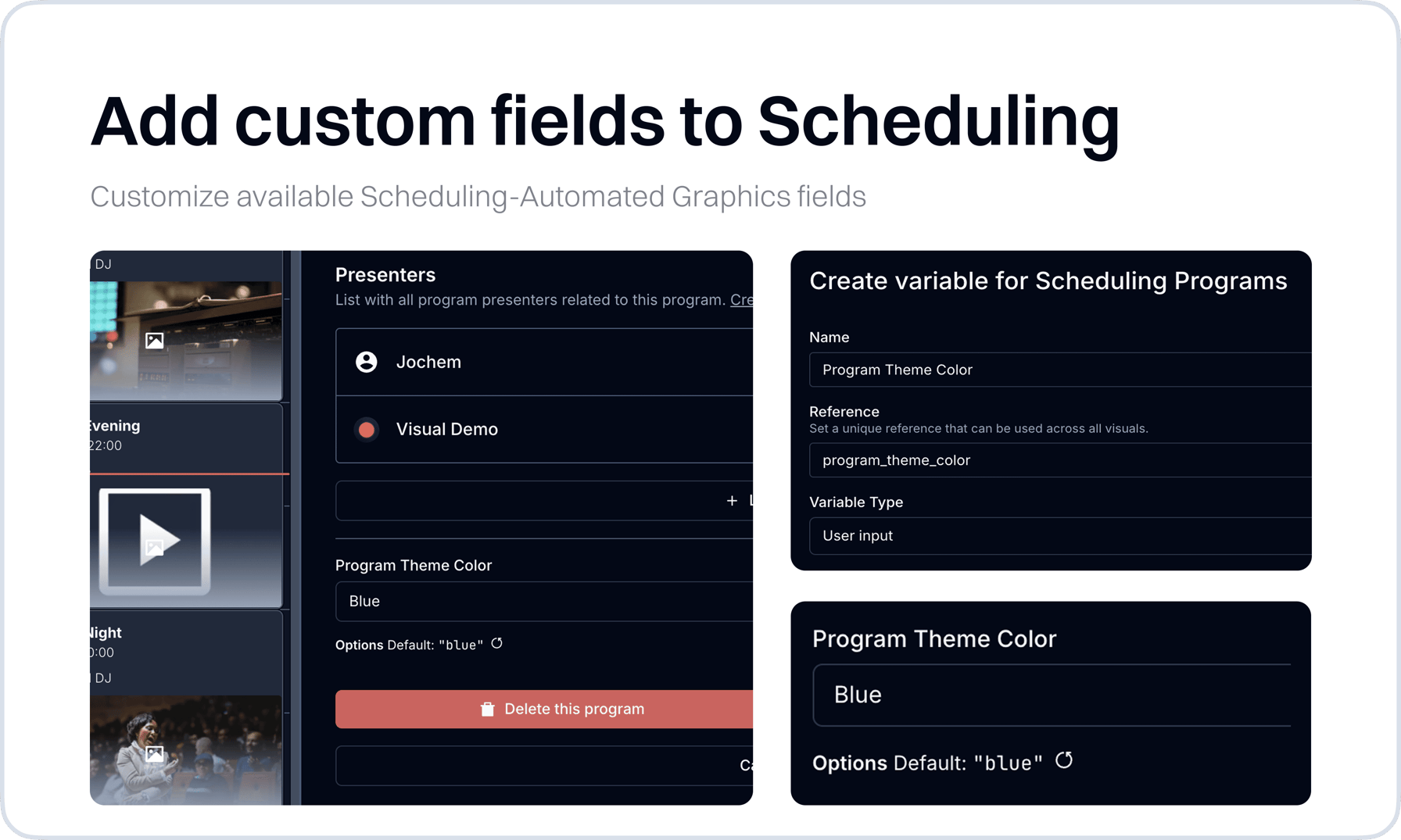
With custom fields on Scheduling Programs and Presenters you can customize the automated display of extra properties for onair and upcoming graphics. After adding and providing details on for example the Program custom “theme color” field, you can directly use the new “color” during automated graphics customization.
New
- SchedulingAdded entity-based variable editor to program form for attaching custom variables to individual schedule entries
- Media HubAdded pagination to search results for handling large media libraries
Improvements
- Visual DesignerUpdated Bodymovin layer to support checkbox controls and nested text mapping structures
- Visual DesignerAdded validation checks for layer element handling preventing rendering issues
- SettingsAdded 'Reload Media Link' button to player settings for quick media source refresh
- SchedulingEnhanced variable editor to reset changes when navigating between program entries
- Error PageImprove error page after latest Cloudflare down time. Will help users in the future to see the issue.
- Output PlayerReload Media Link manually from Output Player settings
Fixes
- PlayoutFixed transparent colors on name tags
- PlayoutFix cache issue when switching between the playout modes
- SchedulingFix issue with selecting a start and end time on the same date.
- Audio ManagerAdded warnings for inactive audio device inputs
- DashboardsFixed undefined object route error in dashboard viewer
- Output EditorFix bug that freezes the page in the Standard Output Editor
- NavigationFix bug that resulted in a freezing state after going back from settings to the app.
- Visual DesignerFix bug with duplicating visuals
- Output Player & Media ServerImproved data update system
- Audio ManagerImproved trigger history & condition state cleanup
- Output PlayerManual mode improvements