

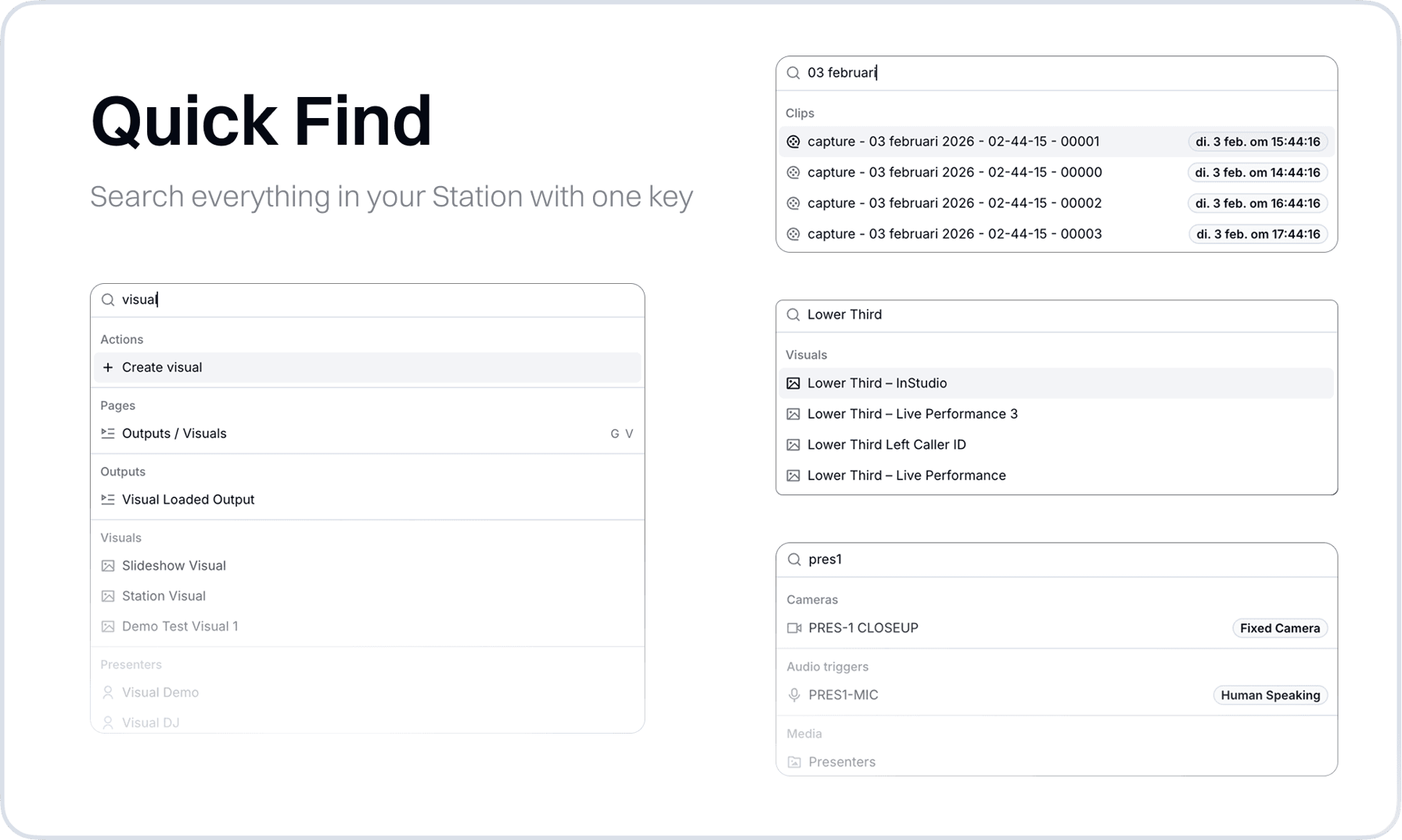
We added Quick Find, a search across everything in your station. It covers far more than pages: visuals, outputs, media files, recordings, clips projects, programs, hosts, audio triggers, camera angles, and studios are all indexed. Finding one specific visual or recording used to mean navigating to the right section and scanning through lists, which costs time you don't have between productions or during a live show.
Quick Find takes you straight into the item, not just near it. Press F anywhere in the app, or Cmd+K if that's what your fingers are used to, and type a name. A visual opens directly in the Visual Designer, an output in its editor, a recording in Clips, a media file in the Media Hub. Settings pages are searchable as well, and new go-to keyboard shortcuts take you to your most-used pages without touching the mouse.
New
- StudioAdded Quick Find. Press F anywhere, or Cmd+K, to search your station's visuals, outputs, media, recordings, clips projects, programs, hosts, audio triggers, camera angles, and studios, and jump straight into the result.
- StudioAdded go-to keyboard shortcuts for quickly navigating to frequently used pages.
- SettingsAll settings pages are now searchable from Quick Find.
Improvements
- SettingsManage pages now share one consistent list design, making overviews easier to scan.
- SettingsUnified selection controls across all forms, so choices, tags, and on/off switches look and behave the same everywhere.
Fixes
- ClipsFixed several issues in the live editor and recording cards.
- Audio ManagerFixed several stability issues in the trigger editor.
- Media HubThe media selector dialog now scrolls when the list gets long.
- MacrosFixed an error when switching a step from a dynamic wait to another action.
- StudioFixed an issue where some live updates were not applied in certain setups.