Skip to content

Changelog

Every platform update, in release order. Updates roll out to every station automatically.

Subscribe via RSS

27 October 2025

4.5.5

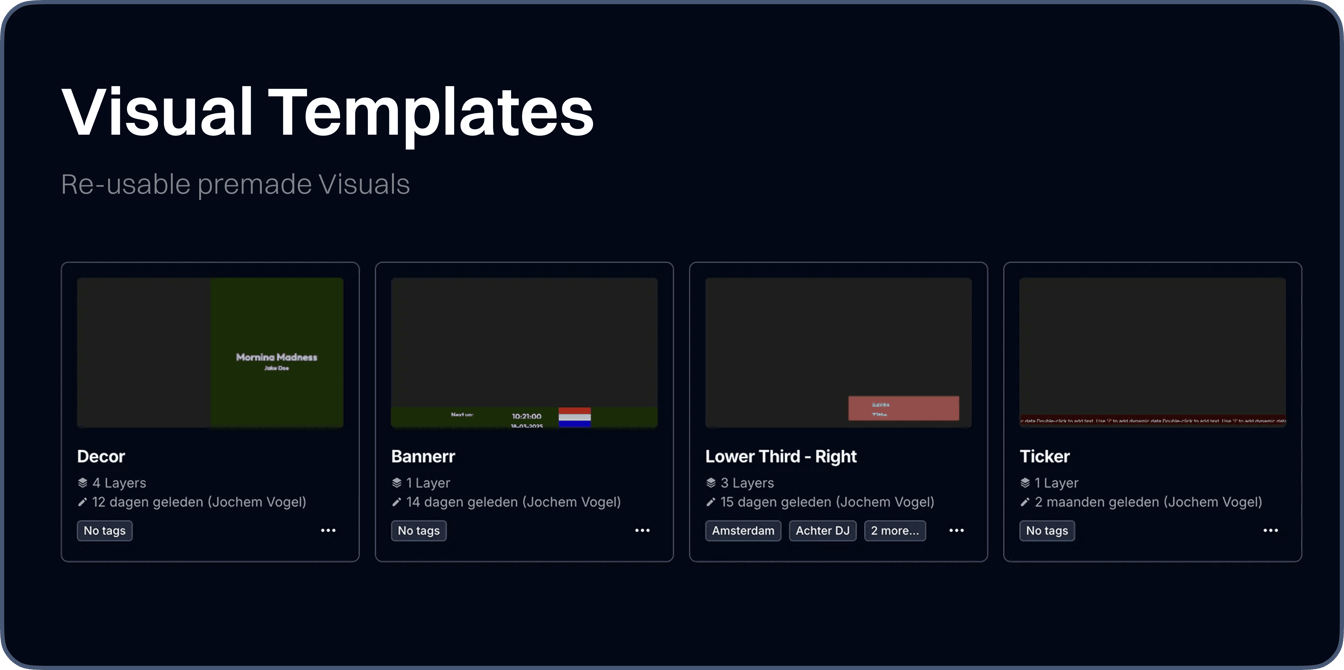
Visual Designer Refinements

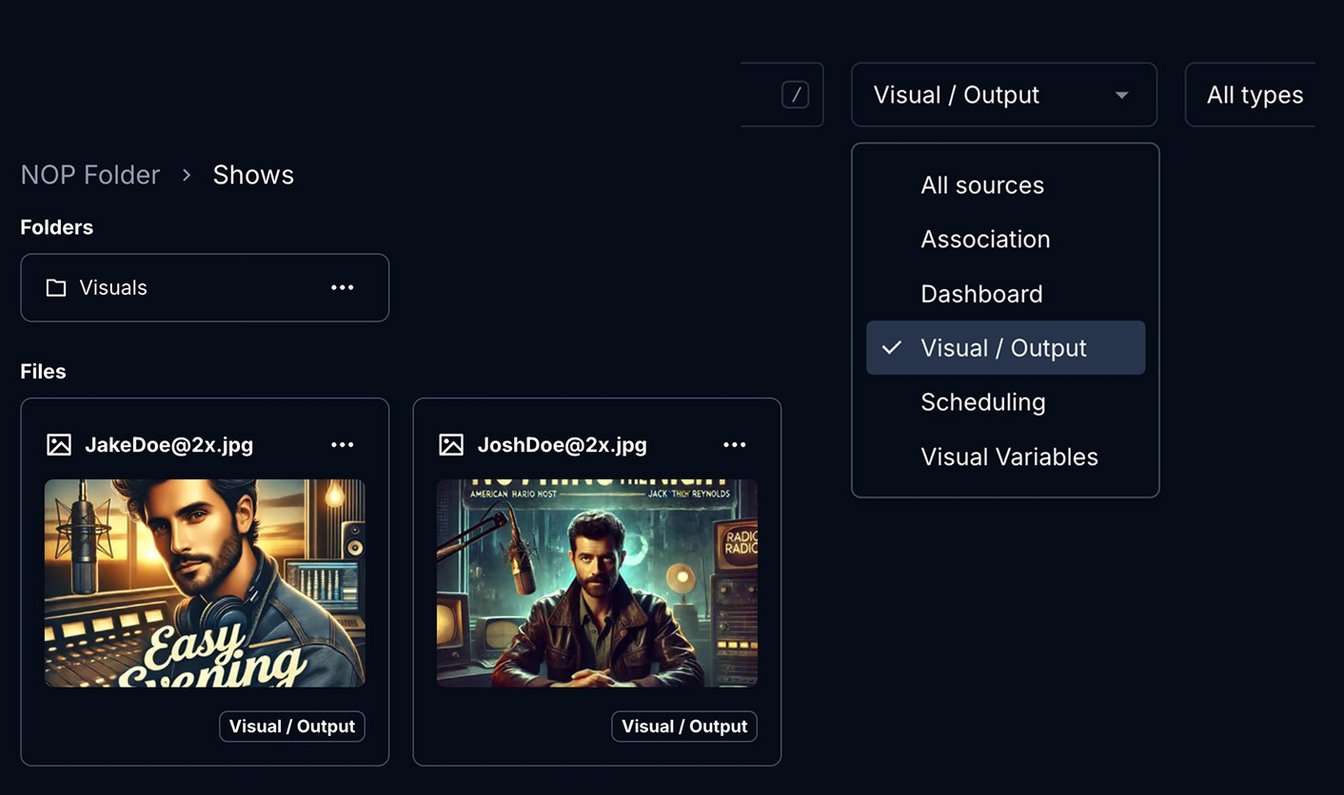
This release brings significant refinements to the Visual Designer, Output Variables, and Media Hub, focusing on enhanced functionality and reliability. Key additions include a new text truncation helper, improved playli…

Read the full update
15 October 2025

4.5.4

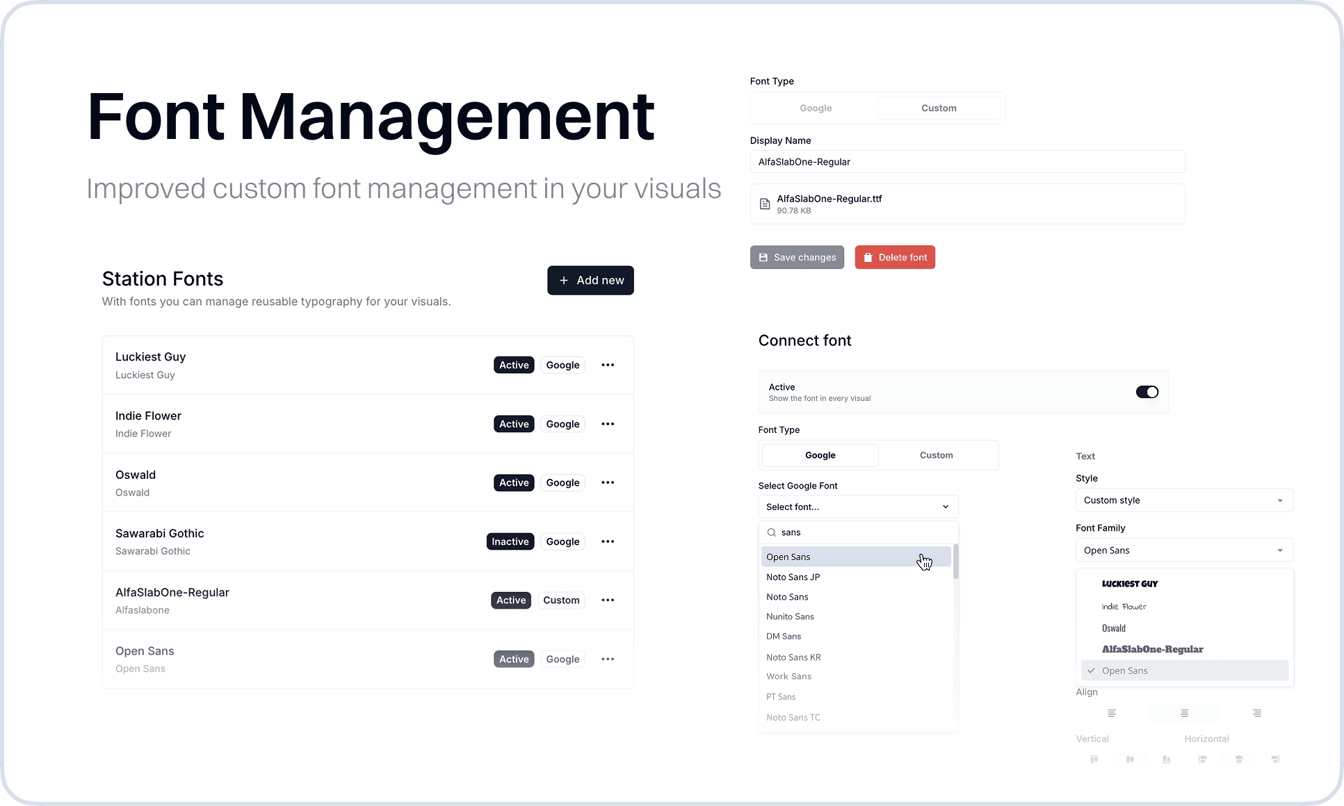
Custom Font Management in Visuals

We enhanced how you work with Custom Fonts in the Visual Designer. While custom fonts were previously possible through manual CSS statements, you can now upload your own font files or select from the complete Google Font…

custom-font-management-in-visuals
Read the full update

6 October 2025

4.5.3

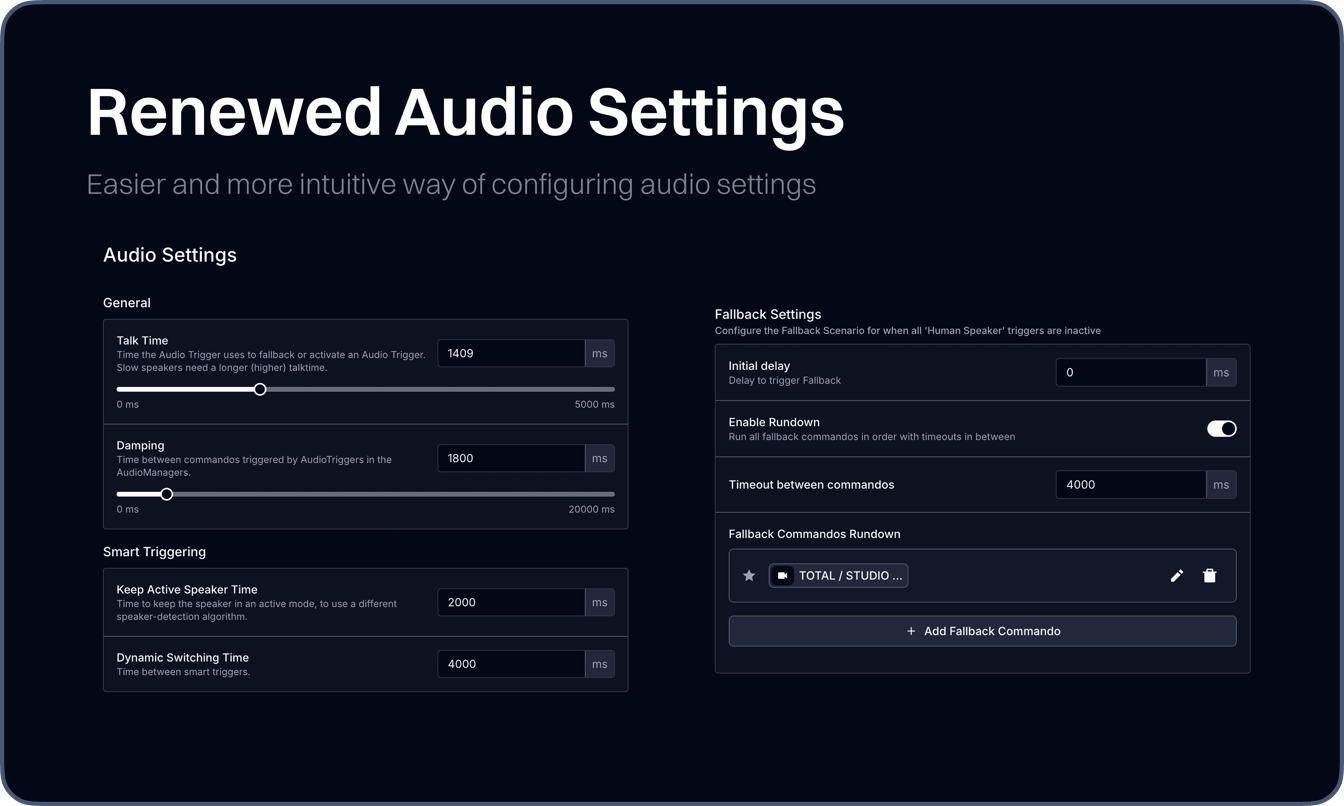
Renewed Audio Settings

We've completely restructured the Audio Settings to provide a more intuitive and streamlined experience for managing audio configurations. The updated interface features improved organization, enhanced button layouts, an…

renewed-audio-settings
Read the full update

19 September 2025

4.5.0

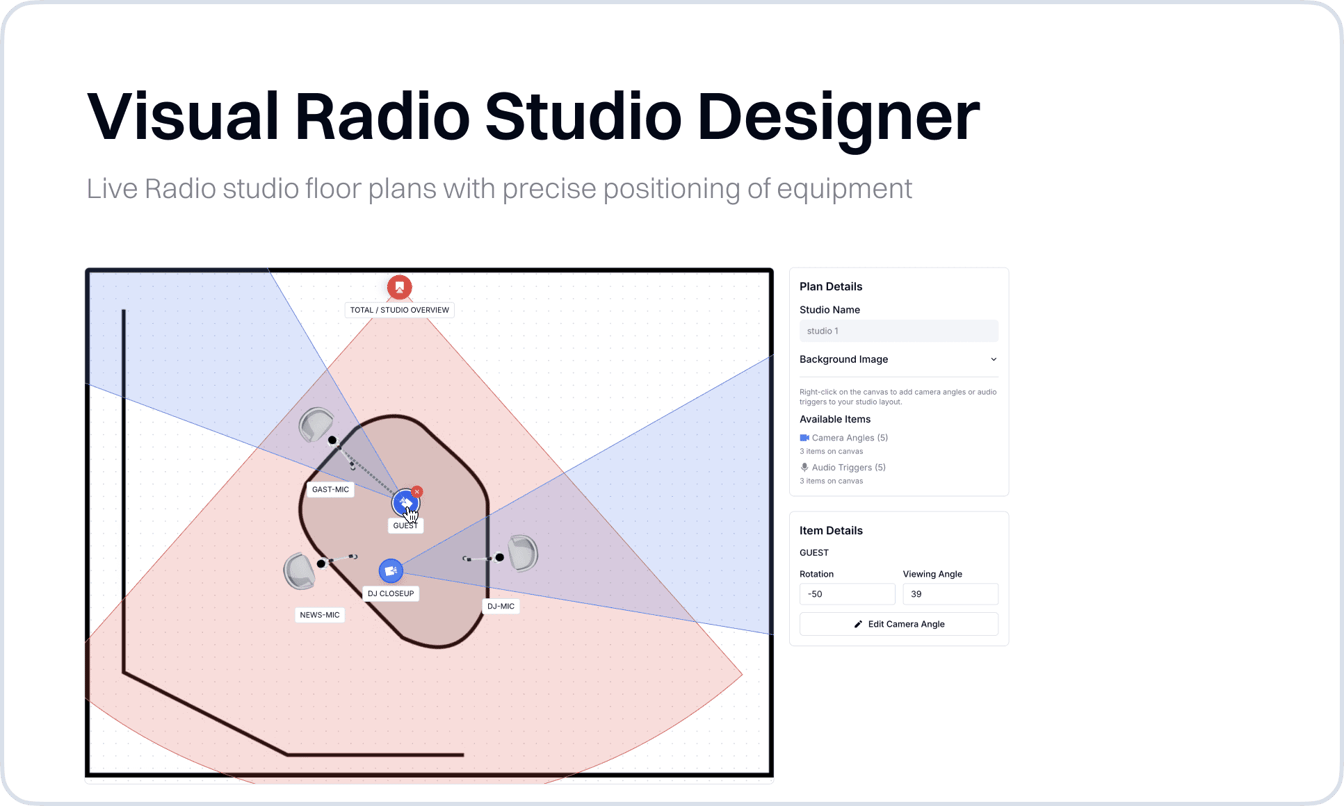
Visual Radio Studio Designer

The Studio Designer provides an intuitive visual interface for studio layout planning and management. This new tool allows you to create detailed studio floor plans with precise positioning of equipment, cameras, and aud…

visual-radio-studio-designer
Read the full update

1 August 2025

4.4.3

New: Machine Users for API Access

We've introduced Machine Users, a comprehensive API management system that allows you to create dedicated API access for automated workflows and integrations. This update enables better separation between human user acco…

Read the full update

24 July 2025

4.4.2

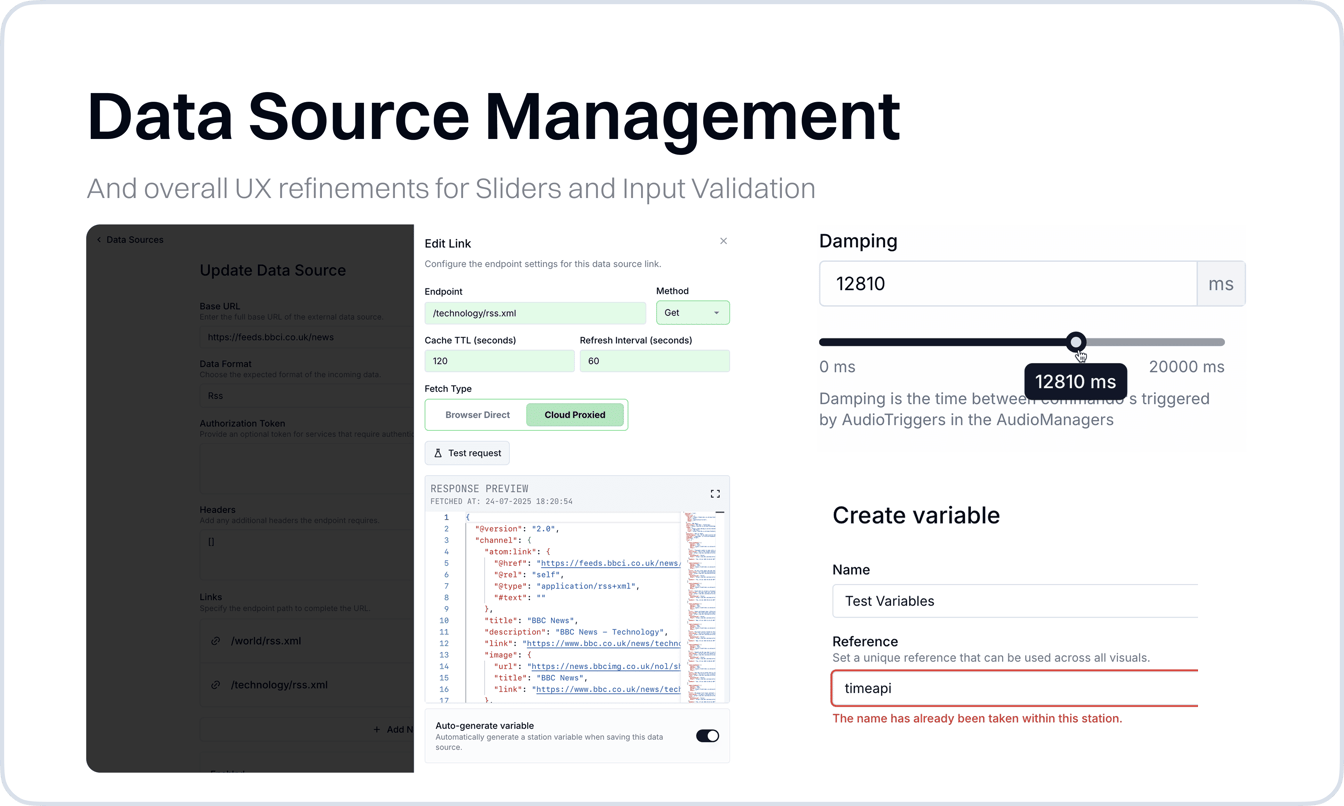
New External Data Sources Workflow

API Data Sources now offer expanded capabilities for managing variable sets and provide better visual feedback during data operations. This update streamlines the workflow for creating and configuring data sources while…

new-external-data-sources-workflow
Read the full update

25 June 2025

4.3.4

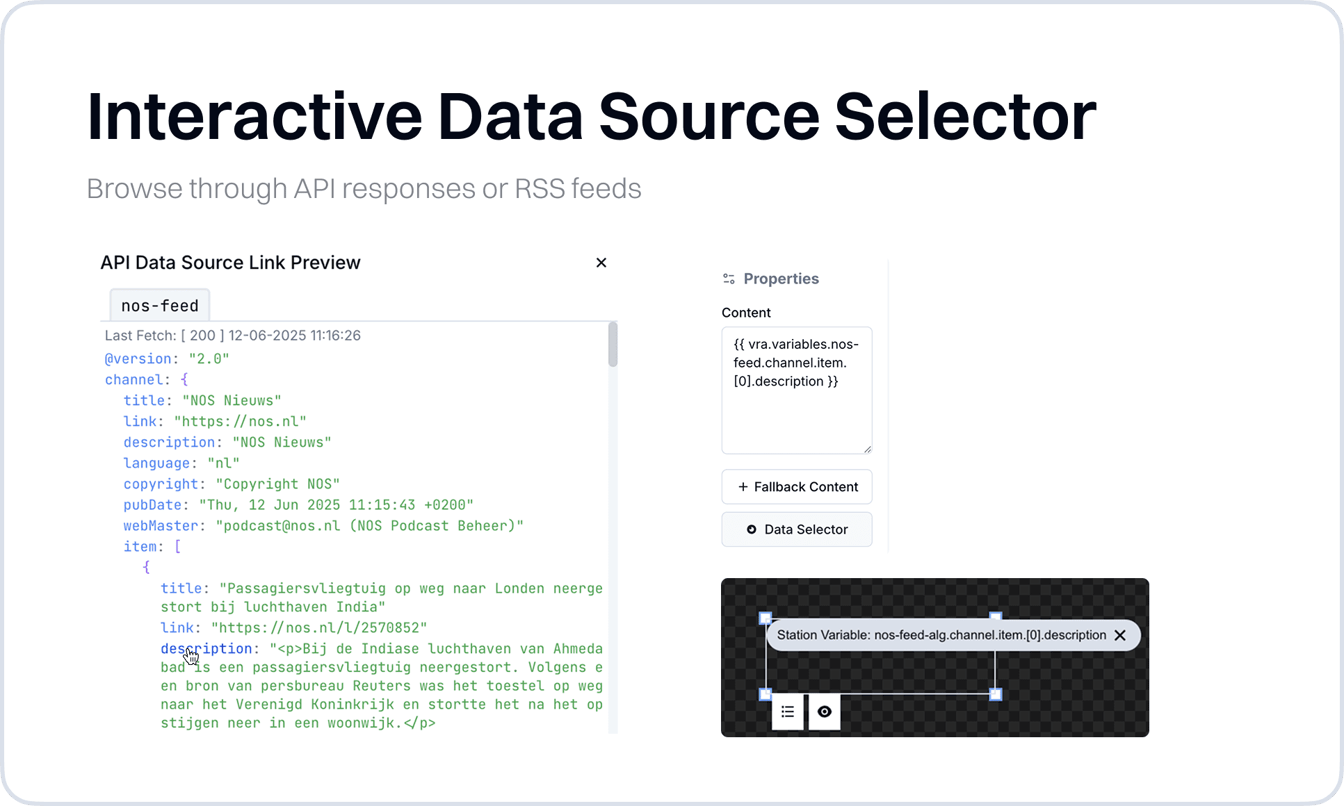
Interactive Data Source Selector

Adding dynamic data to your Visuals, such as RSS feeds or API-based content, has long been possible in Visual Radio Assist. These external data sources can be configured, mapped to output variables, and used across your…

interactive-data-source-selector
Read the full update

4 June 2025

4.3.3

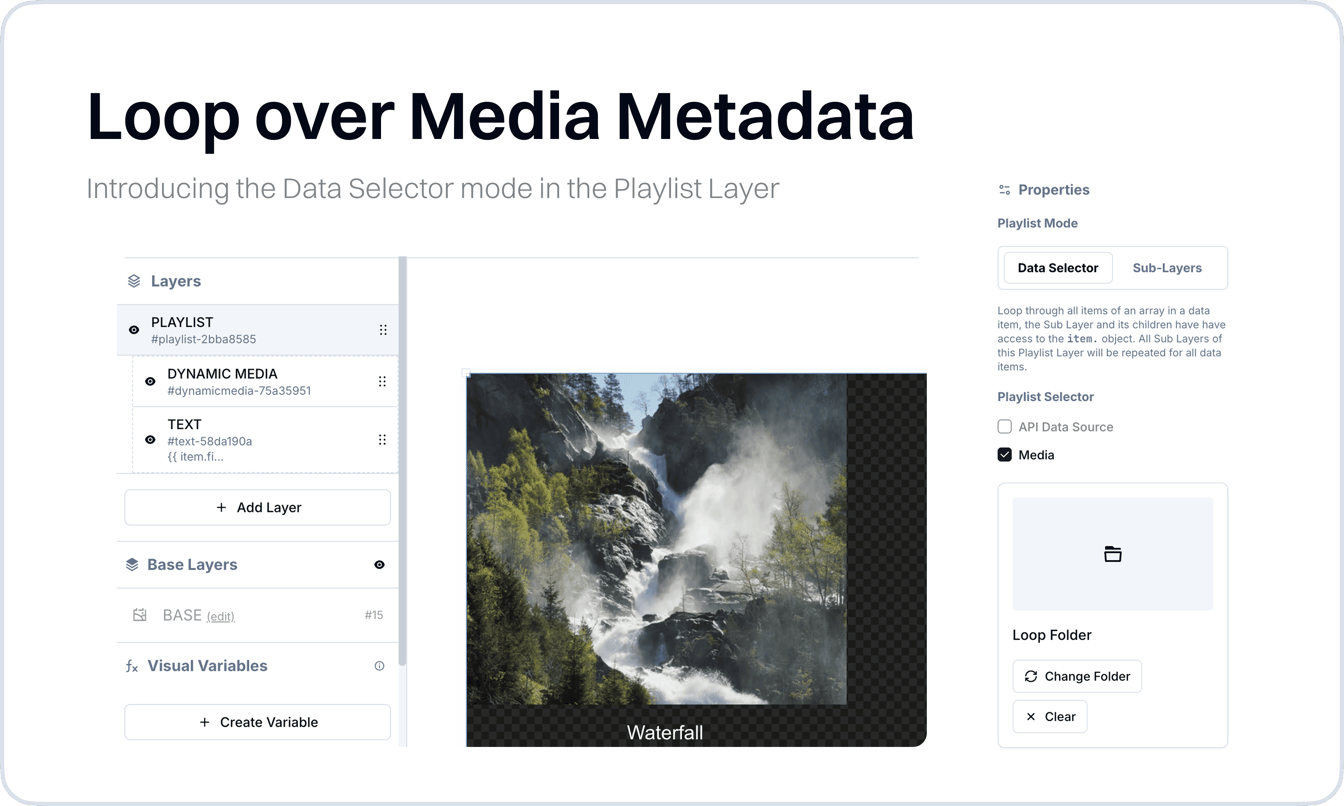
Loop over Media Selection

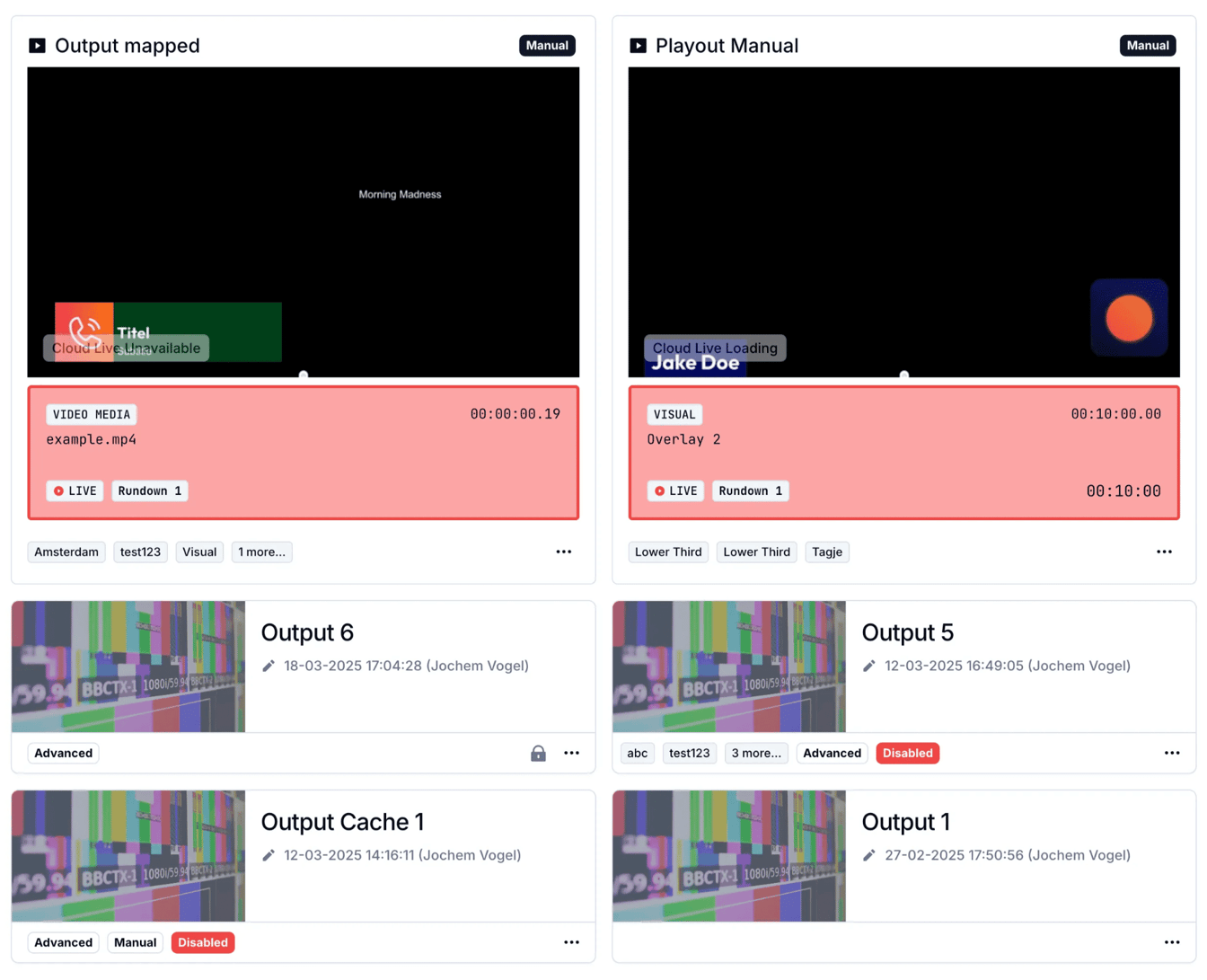
The Playlist Layer now supports looping over media metadata fields from folders, making it easier to display titles, filenames, and custom metadata in your visuals. This enhancement allows for more dynamic content loops…

loop-over-media-selection
Read the full update

24 April 2025

4.3.1

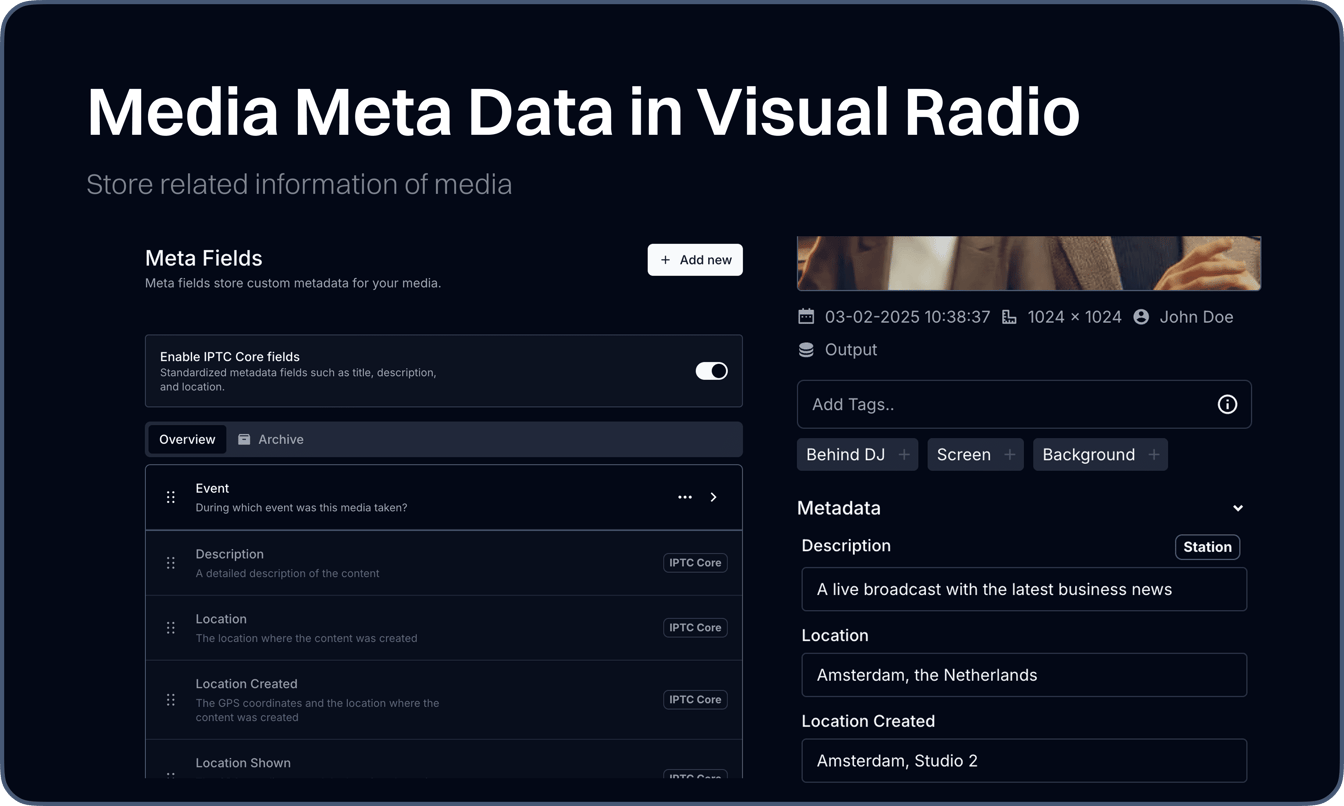
New in Media: Metadata Fields

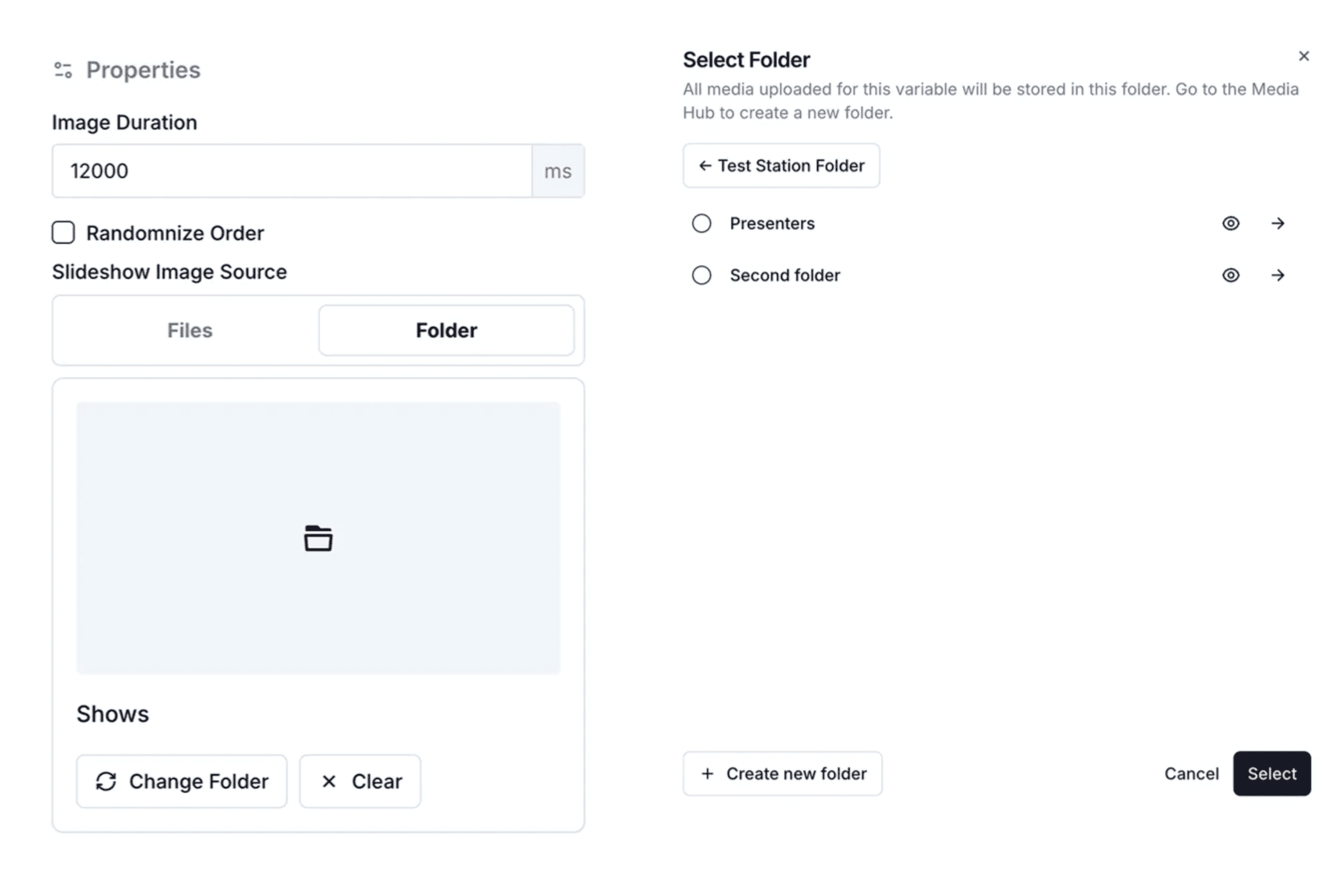
You can now define and use your own metadata fields for media assets. These fields are configurable by station managers. Once defined, every media asset will include these fields for easy access and consistent tagging.

create-a-automated-image-slideshow-with-meta-text
Read the full update

18 April 2025

4.3.0

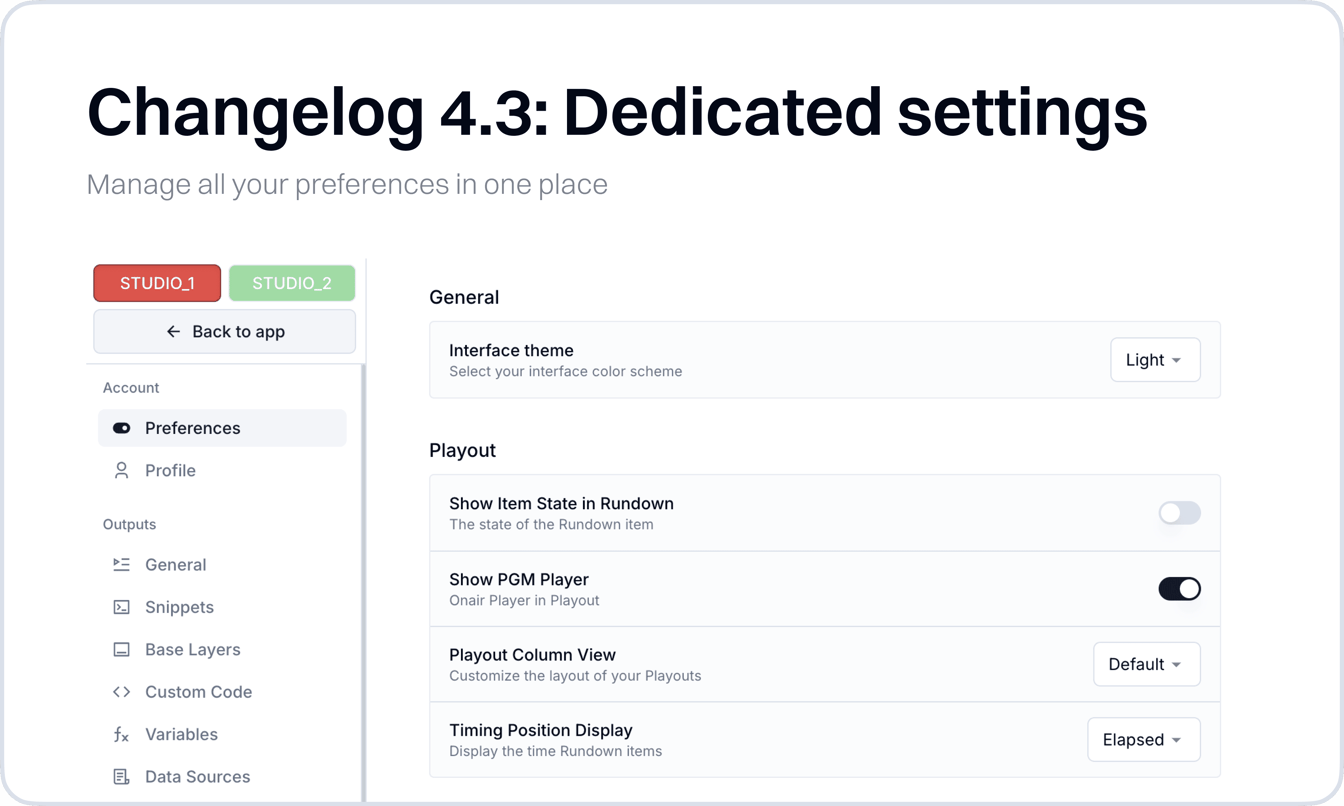
New: All VRA settings in one place

Over the years, Visual Radio Assist has grown with new features and configuration options. As a result, settings were spread across different sections—Output Settings, Visual Settings, Core Settings, and more. While this…

new-all-vra-settings-in-one-place
Read the full update

3 March 2025

4.2.15

New: Macro Triggers & Dashboard buttons

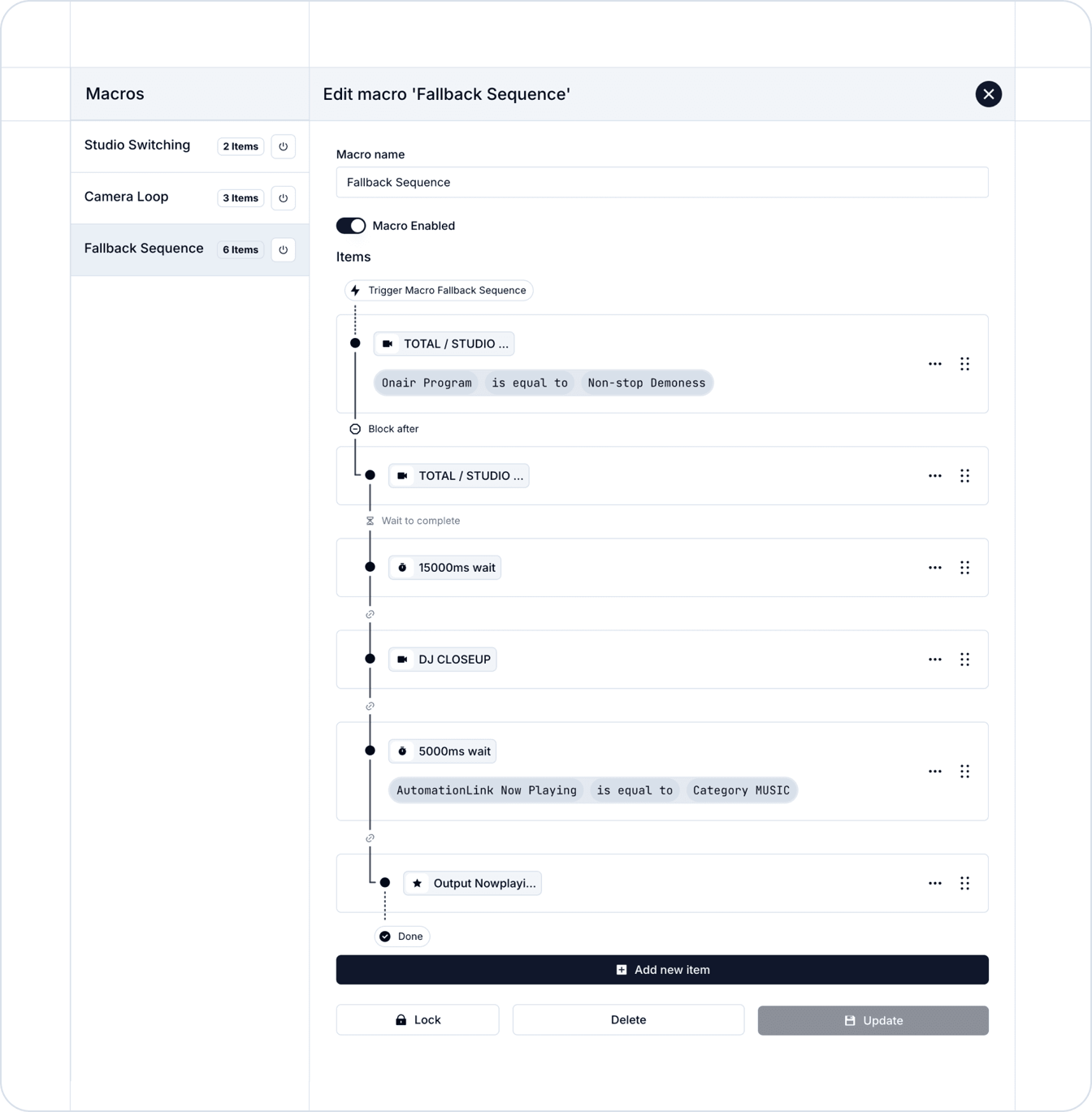
This release introduces a new trigger type to Visual Radio Assist: Macro’s! We’ve also added new Dashboard Panels for quick Camera Angles and Macro access, improved stability of Episode switching in the Output Playouts a…

create-advanced-trigger-patterns-with-macros
Read the full update

24 February 2025

4.2.14

Introducing Media Source Types

Media can now be categorized with Media Source Types across the entire platform, including Outputs, Visuals, Broadcaster Associations, Visual Variables, and Scheduling. This new feature helps users organize uploaded medi…

introducing-media-source-types
Read the full update

Want to see this running in your studio?

Book a demo and we will walk you through a live studio setup.